Bug #128
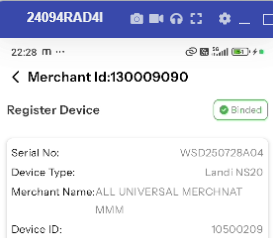
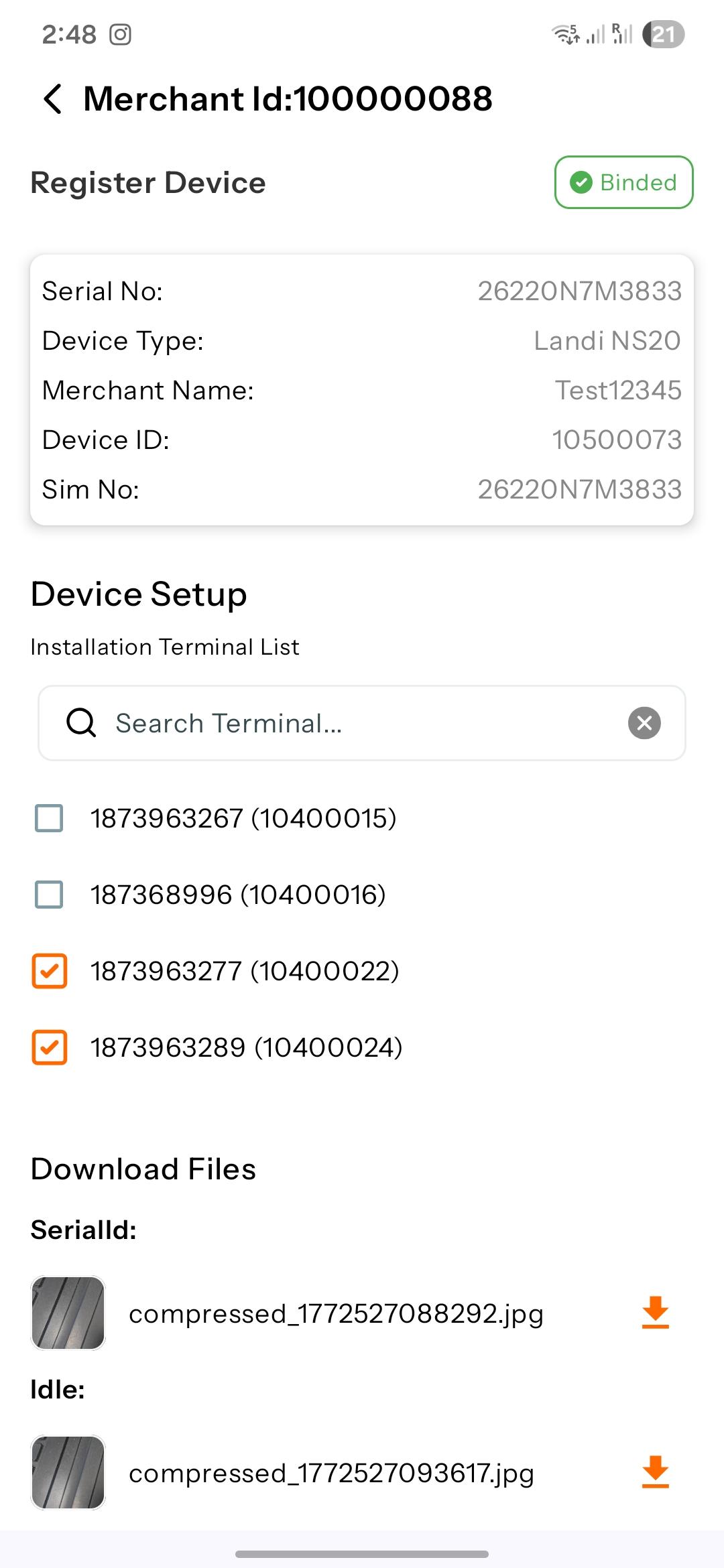
closed|FMS Mobile APP| Allows Re-Scanning of QR Code and Barcode After Device Serial Number Is Already binded
0%
Description
Bug title: Once a device serial number is successfully bind, the user is still able to click on the “Bound” text at the top-right side and scan the QR code and barcode again
Steps:Login to the FMS Mobile Application as a Field Engineer.
Open the assigned installation request.
Scan the QR code / barcode to bind the device serial number successfully.
Verify that the device status is shown as “Binded”.
Click on the “Binded” text displayed at the top-right side of the screen.
Observe that the application allows scanning of the QR code and barcode again.
Expected result: Once the device serial number is successfully binded, the “binded text” status should be non-clickable
Actual result: User able to click on binded text or button and able to rescan again
Files